Use Cases/Engineering & Asset Information

Everything about an asset, in one place.

Raven brings each asset's P&IDs, datasheets, and history onto one connected page, so the context is there when you start.
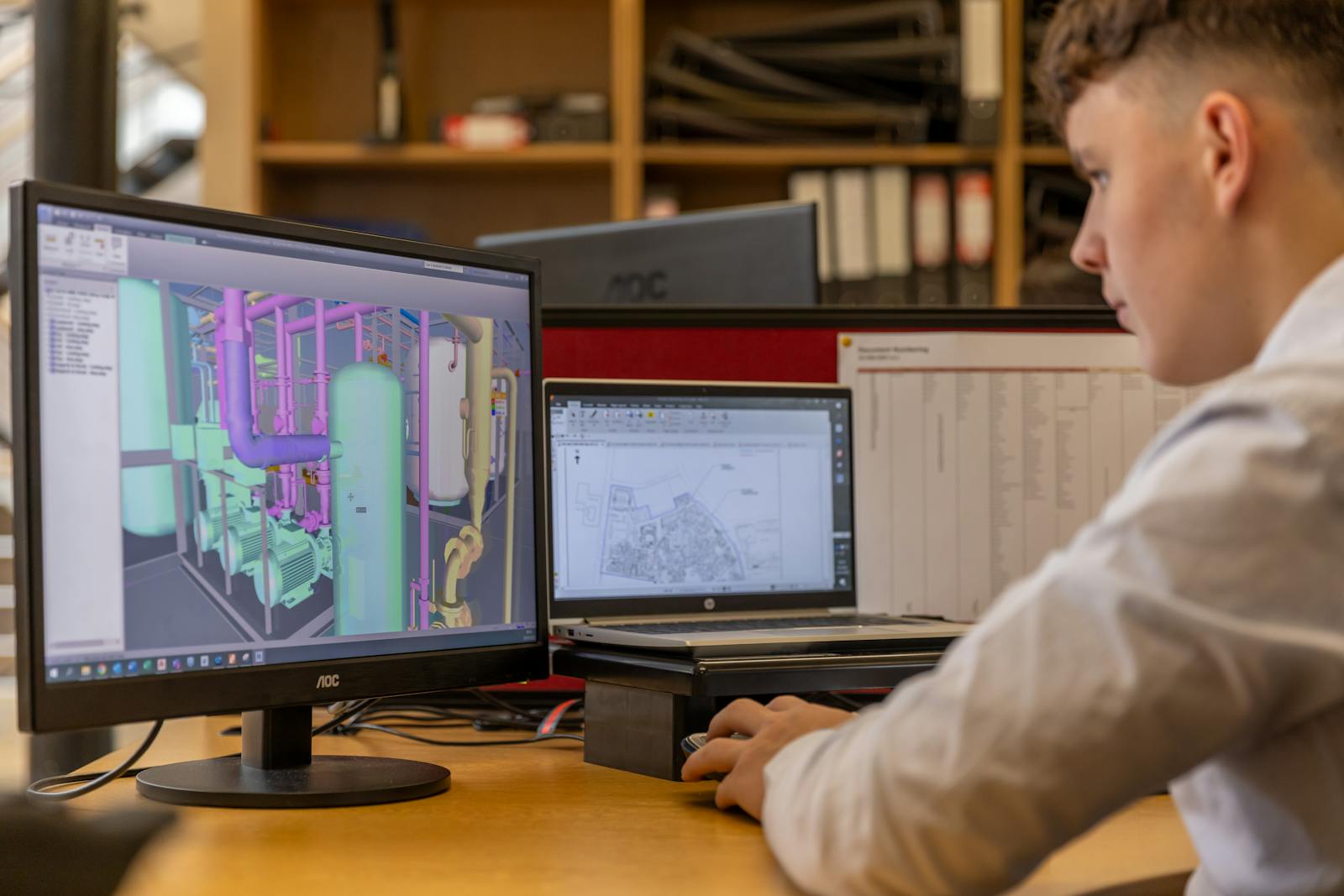
Scanned P&ID converted into a smart, connected drawing
In production

Smart P&ID Conversion & Navigation

2–4 weeksFrom scans to validated drawings
How it works

Raven reads your P&IDs and PFDs and pulls out the equipment, lines, valves, and tags. Your team confirms the connectivity, and the drawing becomes something you can click through and export.

  1. Bring your drawings
  2. Raven reads, your team checks
  3. Click through and export
Reads the whole drawingPumps, valves, lines, and tags, read from the scan.
Connected and revision-awareP&ID to PFD, instrument to loop diagram.
Exports you can useExcel, CSV, JSON, or via API — it overlays your systems.
Pump and rotating equipment on a plant skid
In production

Equipment Intelligence

↓ 60%Dossier assembly time
↓ 50%Troubleshooting time
How it works

For each equipment item, Raven brings the specs, SOPs, history, inspections, past incidents, and open actions onto one page — each linked back to its source.

  1. Pick the equipment
  2. Raven brings it together
  3. Use it before the job
Specs and operating limitsFrom the vendor datasheets, source page a click away.
History and conditionWork orders, last overhaul, inspections, recurring issues.
Incidents and open actionsPast events and open actions, with due dates.
Shift supervisor reviewing documents before a restart
In production

Plant Knowledge Hub

75% fasterDocument access
40% lessSenior-staff time
How it works

Ask in plain words, and Raven answers from your SOPs, manuals, drawings, and records — each point cited, and both values shown when documents disagree.

  1. Ask, or open the asset
  2. Raven finds the sources
  3. Use it day to day
Ask by equipment or tagThe answer keeps the asset's context.
A citation for each answerDocument, page, and passage — click to check.
When documents disagreeBoth values, with sources, so your team decides first.
Process piping on a plant unit

Line List & Tag Extraction

How it works

Raven builds the line list from the converted P&ID — number, size, spec, service, from/to — checks it against your existing list, and marks the differences to confirm.

  1. Convert the P&IDs
  2. Raven builds and compares
  3. Review and export
Built from the drawingNumber, size, spec, service, from/to — from the P&ID.
Checked against your listDifferences from your existing list are shown.
Open-format exportReviewed list to Excel or CSV.
Control room with trip and interlock displays

Interlocks & Cause-&-Effect on the Drawing

How it works

Raven links your interlock and cause-&-effect documents to the assets on the drawing. Click a tag to see its interlocks and follow them to the trip logic, so the safeguard context is ready before a change or review.

  1. Link the documents
  2. See it on the drawing
  3. Use it in MOC and HAZOP
Interlocks linked to assetsEach interlock tied to the tags it acts on.
From asset to trip logicFrom an asset to the trip logic that acts on it.
Context for reviewsInterlocks and SIFs per change, for MOC and HAZOP.
You stay in control

Raven prepares the asset information; your engineers stay in control. Each extracted tag, linked document, and cited answer is reviewed and approved before it's used; nothing is automatic.

Customers
In production on live process plants

Raven is deployed in production — across operations, maintenance, HSE, and procurement.

Data security

Built for privacy, proven for compliance

Your data stays in your deployment boundary

Role-based access with SSO and full audit trail

Zero retention, zero training with every AI provider

SOC 2 Type II — audit in progress

See Raven on your plant